Welcome to PLAY Embedded, the go-to place for embedded systems enthusiasts! Since 2015, we have been dedicated to helping you learn, create, and innovate in this exciting field. Our wide range of articles, tutorials, and resources will support your journey into embedded systems. Our goal is to build a lively community of like-minded individuals who learn together, share experiences, and contribute to the field's growth. We aim to nurture future embedded systems engineers and professionals with our accessible and engaging content.
We know learning complex subjects can be tough. That is why our articles break down embedded systems concepts into easy-to-understand pieces. We cover topics from basic concepts and programming languages to hardware platforms and hands-on projects. At PLAY Embedded, we focus on Free and Open Source projects like ChibiOS. Our ad-free blog is a labor of love, created in our spare time without any financial interest. We value your feedback and suggestions, so don't hesitate to get in touch with us or join our community on LinkedIn.
Below you will find our latest articles. If you are new here, we recommend checking out our How to Start guide to begin your embedded systems journey. Don't forget to have fun!
The founders
Pointers can be a daunting concept for those new to the C programming language, but they are a very powerful tool that can greatly improve the efficiency of your code. In this article, we will demystify pointers and explain how they work, why they are useful, and how to use them in your C
...In this article, we will give an exhaustive overview of types and the associated keywords that often generate confusion while working with
...This article aims to provide a general overview of ChibiStudio as a tool and its overall structure, in order to make it easier for the user to navigate and understand how it can improve their
...Unlock the power of ChibiOS with the versatile SDP-K1 controller board. Learn to implement a wide range of applications with
...In this article, we will provide an introduction to microcontrollers, which are small computers on a single integrated circuit that are specifically designed to control various devices or systems. We will explore the key differences between microcontrollers and traditional CPUs and discuss the ...
The easiest way to start a new development in ChibiOS is to duplicate a previous project. So make sure to have an imported project in your Project Explorer before proceeding. This guide will demonstrate how to duplicate a project.
- Right click on the project and select Clean ...
A project in Eclipse is a collection of source files and metadata associated with a filesystem directory. Projects can be found in the Project Explorer. In this article, you will learn how to build a new project.
- Right click the project’s name and select Open or
- Double click the ...
This article is a step-by-step guide on how to export a working project from ChibiStudio.
The main goal is to zip and share a project with someone knowing that they will be able to use it on their own machine. This guide assumes you have a working project in your Project ...
This guide will show you how to import an existing project into ChibiStudio. For this you will need an existing project that is already ready to use. It is strongly recommended to keep projects together in a workspace folder inside C:\ChibiStudio.
- Select Import from File
- Choose ...
This article is a step-by-step guide showing how to reliably flash and run a project in ChibiStudio.
- Check if the build folder exists (if it is a freshly imported project press the hammer button)
- Open the build folder located inside your project folder
- Select the .elf ...
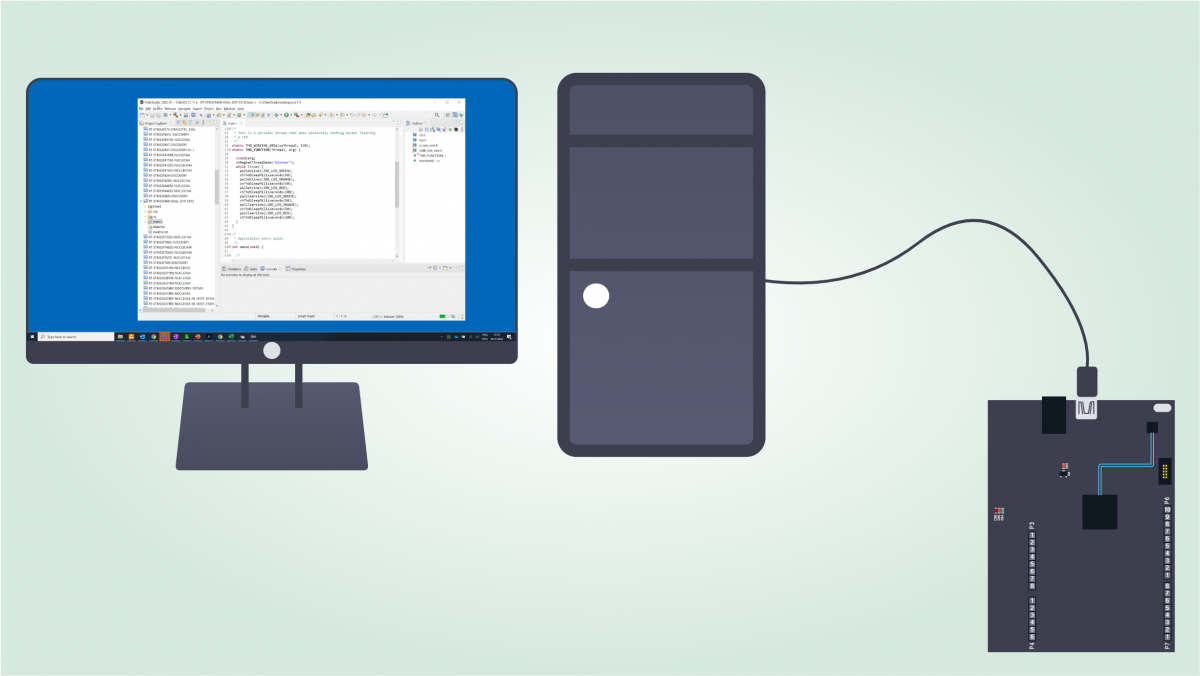
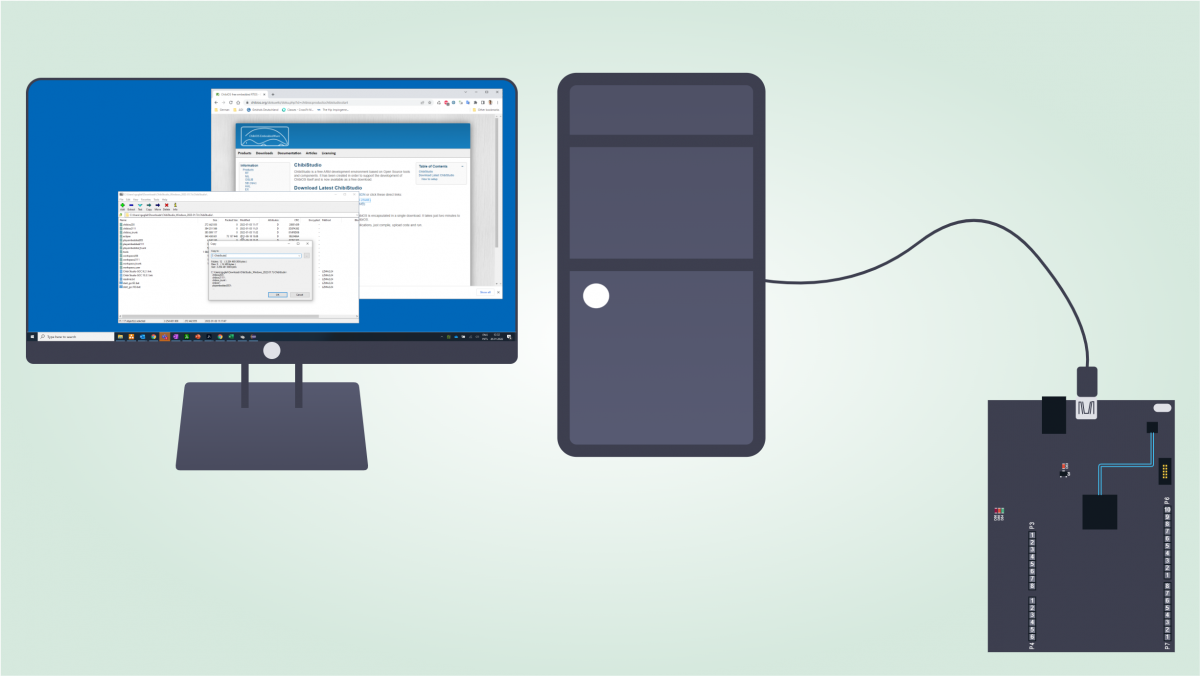
In this article we are going to see how to setup ChibiStudio, an Eclipse-based toolchain that conveniently helps to develop embedded firmware for different microcontroller families.
We are going to install ChibiStudio for Windows 2022-01 but the user should always pick the latest version ...
Recently I had to assemble ChibiStudio for Windows from scratch and I decided to write down a simple to-do list to be consistent over time. Looking back at the list, it was so detailed I start to think about an article to share this experience and enable everyone to assemble their own ...