Welcome to the ChibiOS section on PLAY Embedded, your go-to resource for getting started with ChibiOS. Here, you’ll find a comprehensive series of articles that cover everything you need to know to get started with ChibiOS, from the basics of installing and setting up ChibiStudio, to creating your first ChibiOS project.
In addition to practical tutorials, we also cover the theory behind working with specific peripherals such as GPIO and SPI, giving you a deeper understanding of how ChibiOS interacts with these components.
Whether you’re a seasoned developer or just starting out with embedded systems, the ChibiOS section on PLAY Embedded has something for everyone. So dive in, explore our articles, and start your journey to mastering ChibiOS today!
In this article, we will demonstrate how to create multiple threads using parametric functions. This means that while the function executed by each thread is the same, the specific behavior is influenced by passing different parameters each time.
To illustrate how parametric threads work, we ...
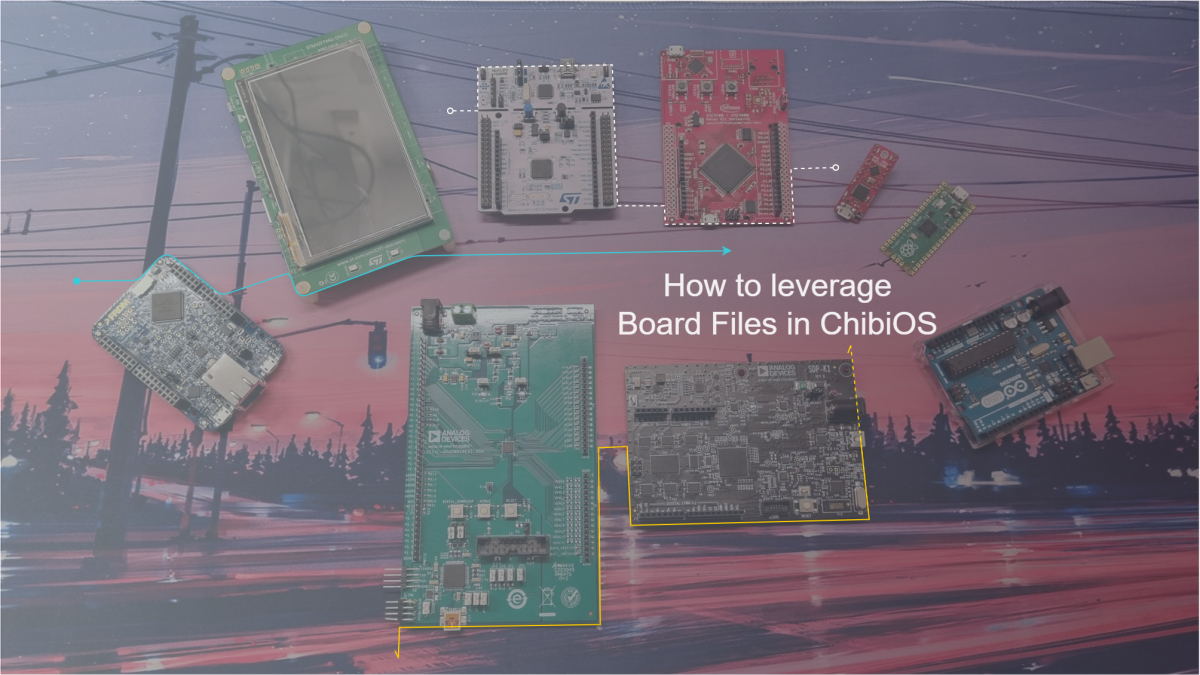
The board files are a critical component of a ChibiOS-based project. They define how peripherals are connected to the microcontroller and provide information related to key elements that depend on the board in use. This article will discuss what board files are in ChibiOS, their role in a ...
In this example, we are going to see what is the simplest project you can create in ChibiOS. Following this demo, you will be able to continuously blink an LED with a simple single-thread application stripping down all the extra code. For this exercise, we are going to use the SDP-K1 and we are ...
Unlock the full potential of ChibiOS with this beginner-friendly guide to understanding the anatomy of a ChibiOS project, tweaking subsystems, and mastering the essential concepts of multithreading for efficient embedded systems
...This article aims to provide a general overview of ChibiStudio as a tool and its overall structure, in order to make it easier for the user to navigate and understand how it can improve their
...Unlock the power of ChibiOS with the versatile SDP-K1 controller board. Learn to implement a wide range of applications with
...The easiest way to start a new development in ChibiOS is to duplicate a previous project. So make sure to have an imported project in your Project Explorer before proceeding. This guide will demonstrate how to duplicate a project.
- Right click on the project and select Clean ...
A project in Eclipse is a collection of source files and metadata associated with a filesystem directory. Projects can be found in the Project Explorer. In this article, you will learn how to build a new project.
- Right click the project’s name and select Open or
- Double click the ...
This article is a step-by-step guide on how to export a working project from ChibiStudio.
The main goal is to zip and share a project with someone knowing that they will be able to use it on their own machine. This guide assumes you have a working project in your Project ...
This guide will show you how to import an existing project into ChibiStudio. For this you will need an existing project that is already ready to use. It is strongly recommended to keep projects together in a workspace folder inside C:\ChibiStudio.
- Select Import from File
- Choose ...
This article is a step-by-step guide showing how to reliably flash and run a project in ChibiStudio.
- Check if the build folder exists (if it is a freshly imported project press the hammer button)
- Open the build folder located inside your project folder
- Select the .elf ...
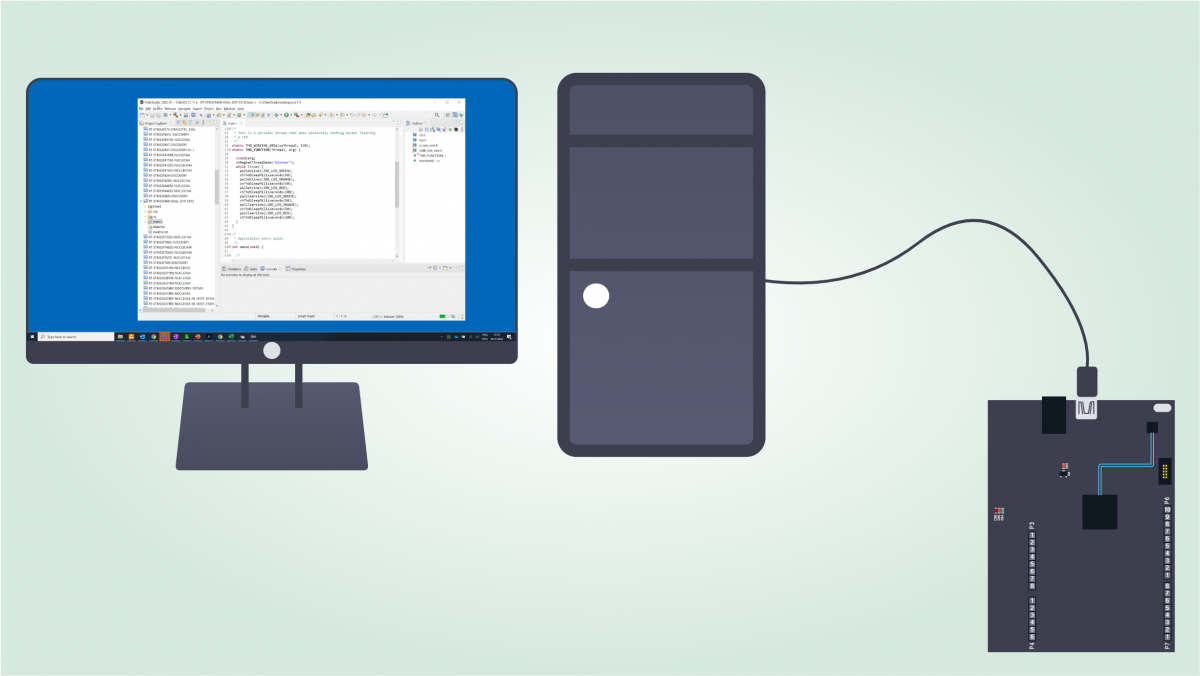
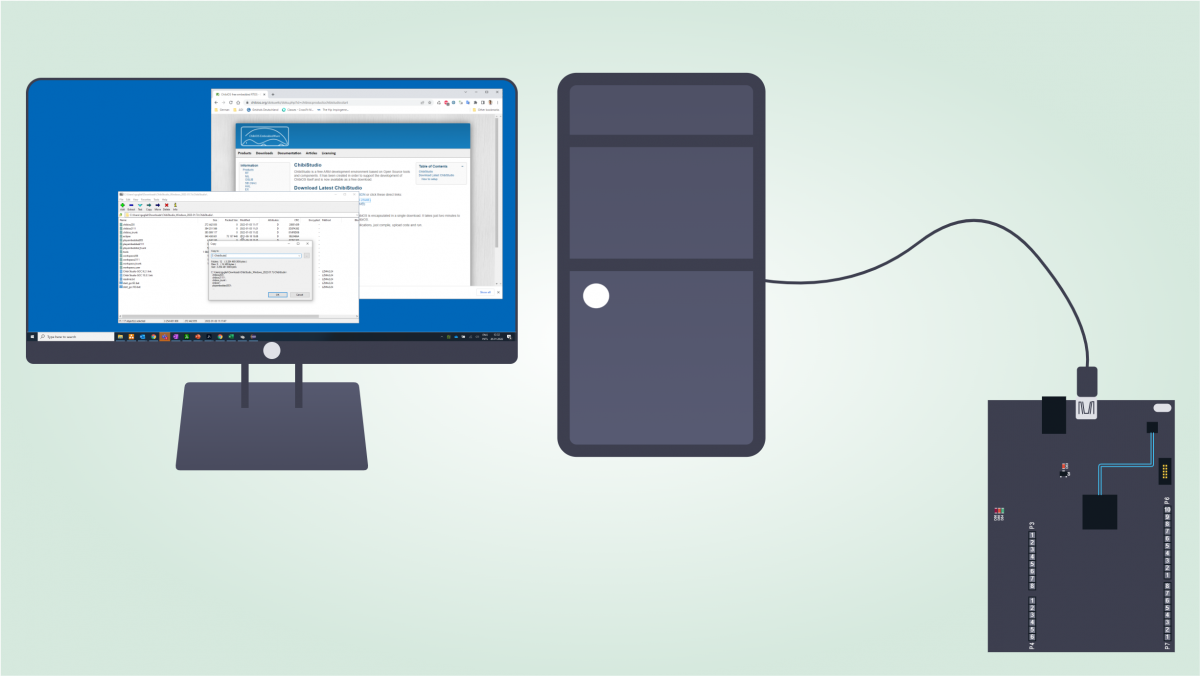
In this article we are going to see how to setup ChibiStudio, an Eclipse-based toolchain that conveniently helps to develop embedded firmware for different microcontroller families.
We are going to install ChibiStudio for Windows 2022-01 but the user should always pick the latest version ...